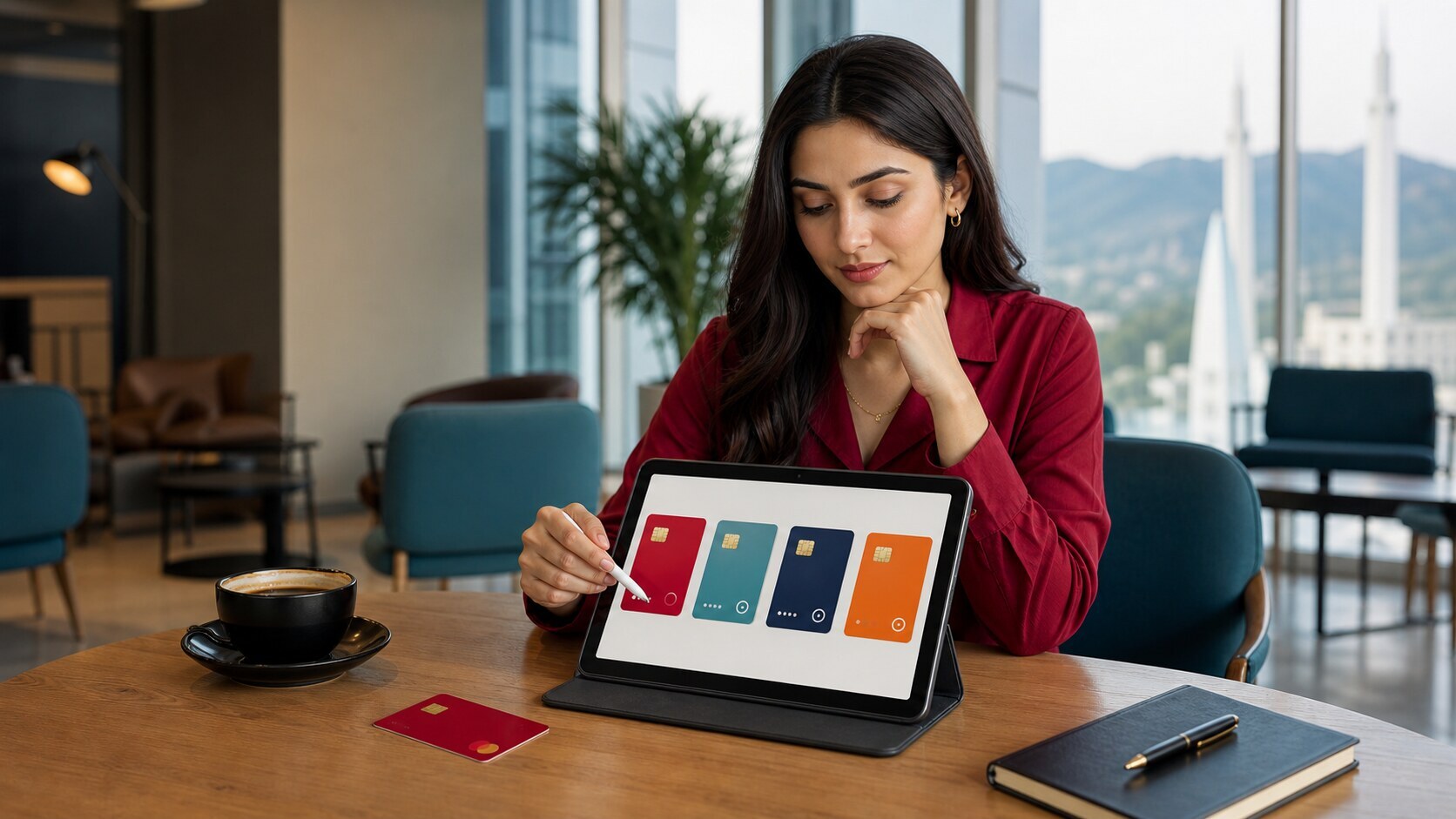
RedotPay Swap Pakistan: the Pakistan answer
RedotPay Swap is the in-app conversion route for exchanging one supported asset for another. The official product page gives examples such as BTC, USDT and USDC, while the legal terms describe a request-for-quote process involving acceptable tokens or fiat made available by RedotPay. A Pakistan user should not read those examples as a permanent asset list or a promise that PKR is a direct Swap currency.
Swap is not P2P. P2P matches a user with an advertiser and can involve a Pakistani bank or wallet receipt, order timer and escrow. Swap uses a RedotPay quote and confirmation inside the account. It is also not a blockchain transfer: no external network address is used for the conversion itself. Deposit and withdrawal network fees belong to the steps before or after Swap, not to the conversion label alone.
The useful screen is the final quote: asset sold, asset received, quantities, rate, fee or commission, total and expiry. RedotPay's terms say it may provide a quote, may set an expiry, and can revise or restrict the service. The confirmation is the transaction record. That is why this guide never publishes a fixed RedotPay rate or "zero-fee" promise.
- RedotPay markets Swap as an in-app conversion between supported digital assets.
- The Swap terms describe a quote containing asset, quantity, price, expiry, fee or commission and total amount.
- A quote can expire or be cancelled before execution under the published terms.
- The transaction confirmation is the key evidence after an accepted Swap.
- Do not describe every crypto, fiat currency or PKR as a supported Swap pair.
- Do not promise the marketing phrase low fees means zero fee or best market price.
- Do not call Swap a P2P cash-out, bank transfer, Easypaisa transfer or card FX transaction.
- Do not accept a quote without checking the final received amount and expiry.
Swap versus P2P, card FX and blockchain transfer
Use Swap when the app offers a direct conversion between balances. Use P2P when the job is buying or selling crypto with another user for PKR through the payment methods shown in an order. Card FX happens when a merchant charge in one currency is settled against the card balance and network rules. A blockchain transfer moves an asset to or from an external address. These costs cannot be compared using one rate label.
For example, swapping BTC to USDT may create a USDT balance but does not move PKR into Easypaisa, JazzCash, Raast or a bank. Selling that USDT for PKR would be a separate P2P or supported payout decision. Similarly, swapping USDT to another asset does not pay the withdrawal network fee that may appear when the user later sends that asset off-platform.
- Swap: RedotPay quote between balances.
- P2P: advertiser order and PKR receipt.
- Card FX: merchant and card-network conversion context.
- Withdrawal: external address and blockchain network.
How to read the quote and spread
Read both directions of value. Record the source amount, destination amount and quoted price, then compare the implied rate with a neutral market reference at the same time. The difference can include spread as well as any explicit fee or commission. A quote described as transparent can still be uneconomic for a small or volatile conversion if the received amount is poor.
The terms allow a quote to carry an expiry and say RedotPay is not obliged to provide a quote. Do not pause on a quote screen and assume the rate will remain available. If the price moves, refresh and recalculate rather than accepting under pressure. For a Pakistan budget, convert the final result to PKR only as a comparison; do not claim RedotPay settled the Swap in PKR unless that exact pair appears.
- Source asset and quantity.
- Destination asset and expected receipt.
- Explicit fee or commission and implied spread.
- Quote expiry and final confirmation.
Asset availability and Currency Account overlap
The official Swap page mentions BTC, USDT, USDC and the possibility of exchanging funds associated with EUR or GBP accounts. The current Currency Account Help Center, however, has separate region and currency limits. Do not infer that a Pakistan user can open EUR or GBP accounts or swap from them merely because the Swap FAQ mentions those balances. Each prerequisite must be visible in the account.
Supported assets can change. Before buying an asset elsewhere for a planned Swap, confirm both the deposit network and the desired Swap pair in RedotPay. Otherwise a user may pay a network fee to deposit an asset that cannot be converted as expected. The safest order is: check pair, check deposit route, fund a small suitable amount, refresh quote, then confirm.
- Do not buy an asset based only on a marketing example.
- Confirm the pair before paying an exchange withdrawal fee.
- Treat EUR/GBP access as a separate Currency Account question.
- Keep enough balance for fees shown in the final screen.
Failed, expired or disputed Swap evidence
If a quote expires before acceptance, request a new quote and compare again. If the app shows pending or failed, do not repeat the conversion until the original state is clear. A duplicate Swap can create unintended exposure to a moving asset. Save the request time, pair, quantities, quote, fee, expiry, status and confirmation ID.
For an unexpected result, compare the confirmation with the quote immediately and contact official support. The terms say a confirmation records the accepted transaction and users should report missing or erroneous confirmations promptly. Do not share passwords, OTPs, full balances or seed phrases with anyone claiming to reverse a Swap.
- Quote and confirmation screenshots with private data masked.
- Exact pair, amount, rate and fee.
- Pakistan time and UTC time.
- Official ticket number and app version.
RedotPay Swap Pakistan decision table
Use this table to keep the exact product intent separate from nearby RedotPay card, PKR P2P, bank, wallet, deposit and support pages. The current app screen remains the final source for availability and terms.
| Pakistan check | How to read it |
|---|---|
| Primary job | Convert between balances or assets offered by the live RedotPay Swap screen. |
| Quote evidence | Pair, quantities, price, fee or commission, total received and expiry. |
| Not P2P | No advertiser, PKR receipt or escrow is implied by a Swap quote. |
| Not withdrawal | Blockchain network and destination-address checks apply only when moving assets externally. |
| Currency Account | EUR or GBP use requires separate account eligibility and visibility; Pakistan support is not assumed. |
| Stop signal | Missing pair, stale quote, unclear fee, poor received amount, expired confirmation or pressure to repeat. |
Urdu and Roman Urdu support
ریڈاٹ پے سواپ میں کنفرم کرنے سے پہلے فروخت ہونے والا اثاثہ، ملنے والا اثاثہ، ریٹ، فیس، اسپریڈ، ایکسپائری اور آخری رقم چیک کریں۔ سواپ کو پی کے آر پی ٹو پی، بینک ٹرانسفر یا بلاک چین وِدڈرال نہ سمجھیں۔
RedotPay Swap confirm karne se pehle source asset, receive asset, rate, fee, spread, expiry aur final amount check karein. Swap ko PKR P2P, bank transfer ya blockchain withdrawal na samjhein.
Evidence to keep before and after action
Keep only what explains this exact product decision. Mask CNIC, full phone or email, account number, card data, OTP, password, seed phrase and unrelated balances before a screenshot leaves official RedotPay support.
- Source and destination asset
- Quote price, fee, spread and expiry
- Final received amount and confirmation ID
- App version, timestamp and official support ticket
RedotPay product guides for Pakistan
Internal transfer, Multi-Currency Wallet, Credit, Earn, Points and Swap solve different jobs. Keep their recipient, eligibility, quote, interest, reward, expiry and confirmation screens separate instead of treating every feature as one wallet balance.
Related Pakistan guides
Open these pages only when the question changes from this product to funding, PKR exit, card use, account setup or support evidence.